# py-carbon-clips
> A simple python utility tool to convert programming code into beautiful image snippets.
[![Python Version][python-image]][python-url]
## Installation
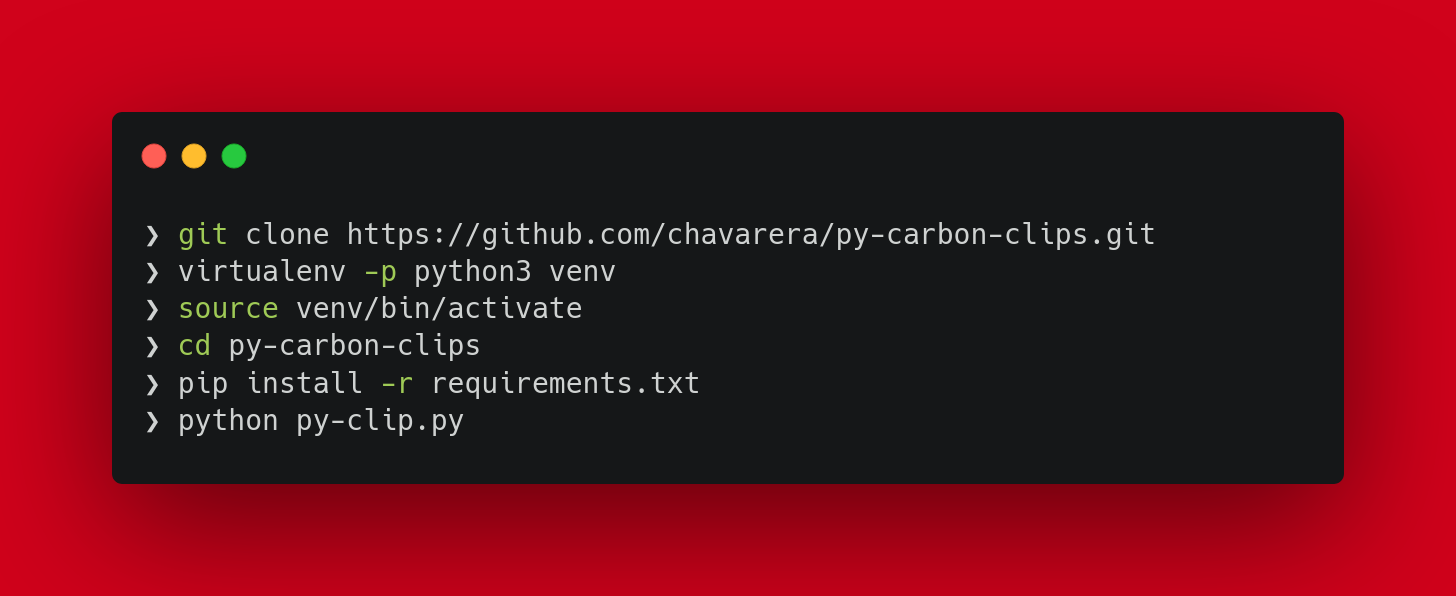
Create clone of this repository
```sh
git clone https://github.com/chavarera/py-carbon-clips.git
```
create virtual environment
```sh
virtualenv -p python3 venv
```
activate environment
```sh
source venv/bin/activate
```
change working directory
```sh
cd py-carbon-clips
```
install requirements
```sh
pip install -r requirements.txt
```
## Development setup
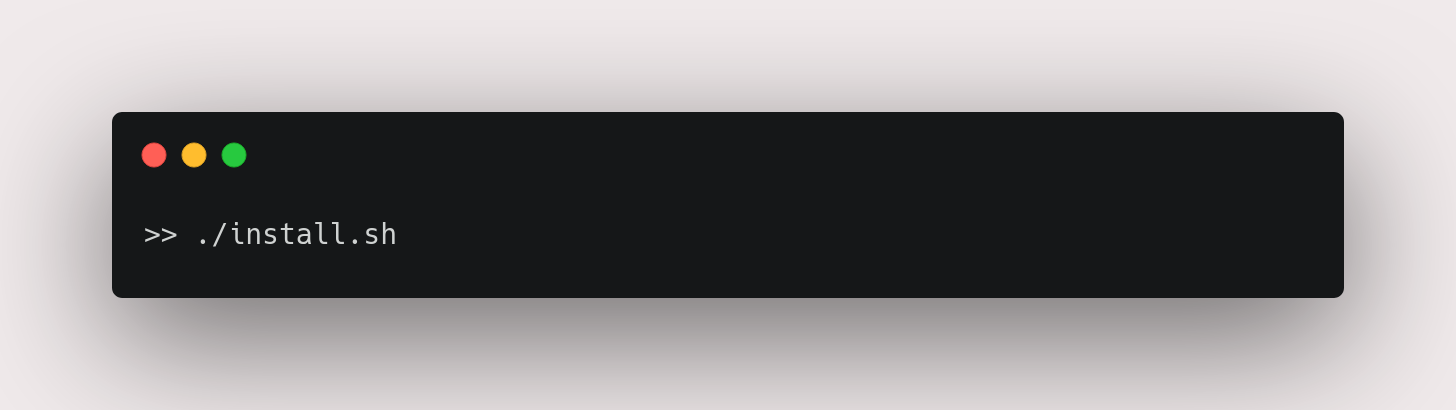
Use one line installation on linux
## Sample Screenshots
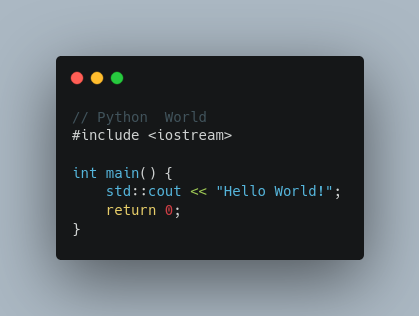
| C++ | Rscript | Python|
| :-: | :-: | :-: |
|  |
| 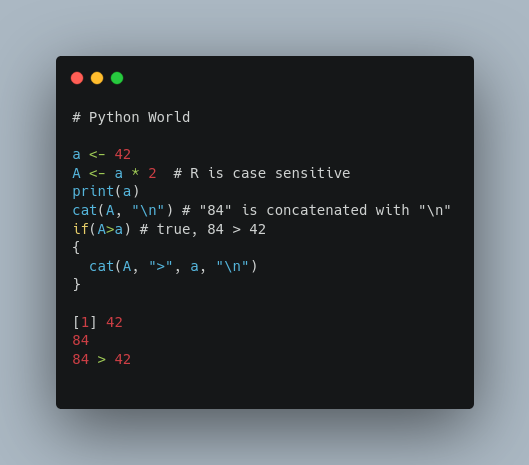 |
| 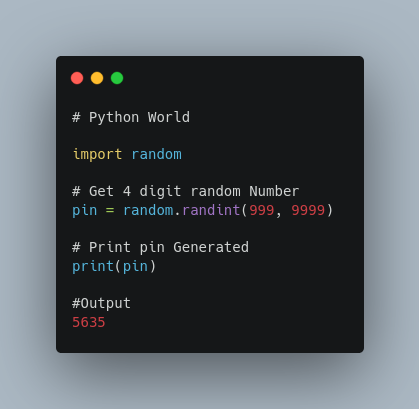 |[More Example(Collecion of Hello World in All Programing Language)](https://github.com/chavarera/py-carbon-clips/tree/master/HelloWorld)
## Usage example
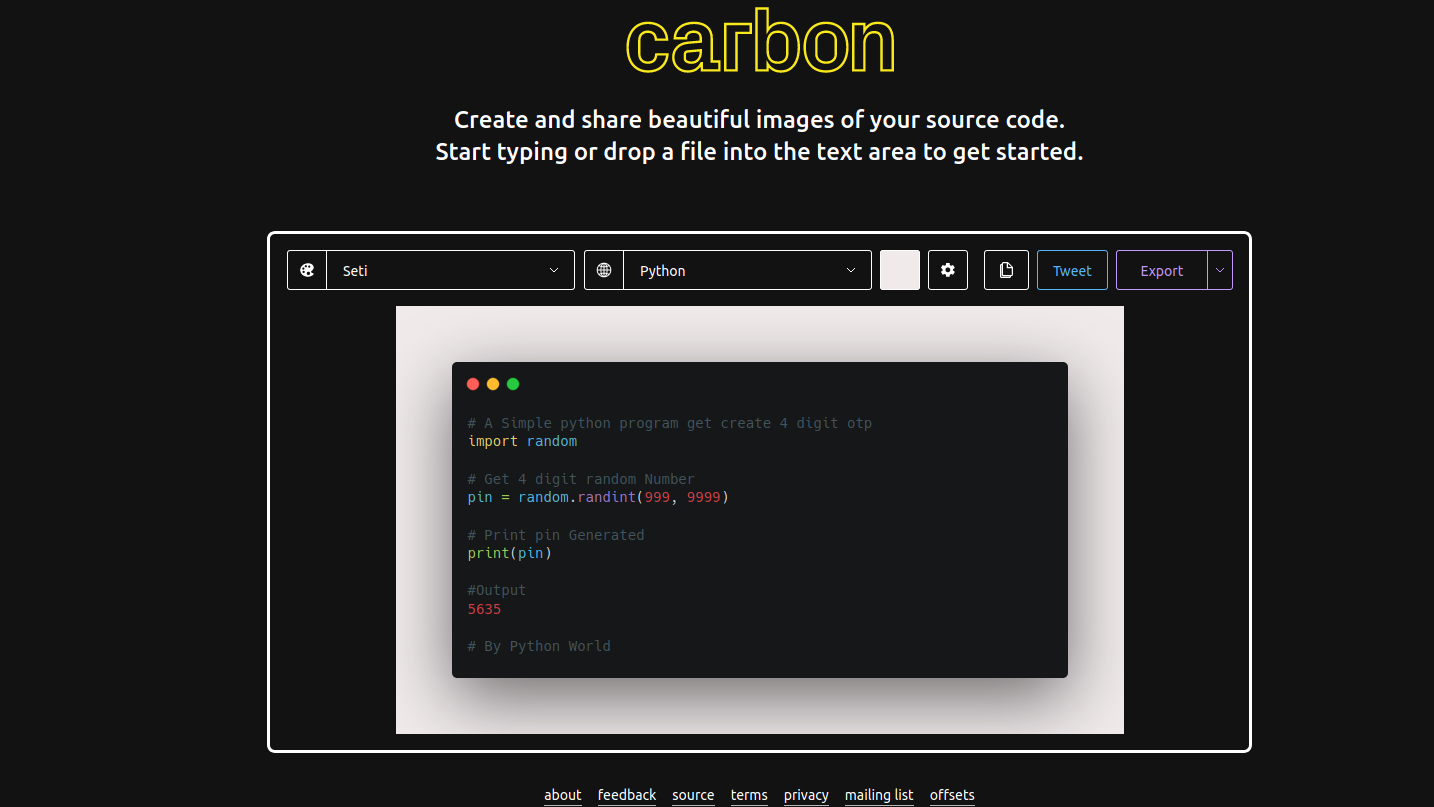
while searching customization for bash **H21** suggested https://carbon.now.sh . which is an really impressive way to communicate with coding snippets.
### What does carbon.now.sh do?
Carbon lets you create and share beautiful images of your source code
You know all of those code screenshots you see on Twitter? Although the code's usually impressive, we thought there was room for improvement in the aesthetic department. So what are you waiting for? Go try it out and impress all your developer and designer friends. 🎨
## Release History
* 0.0.1
* Initial commit
## Meta
Ravishankar Chavare – [@LinkedIn](https://www.linkedin.com/in/ravishankar-chavare-84474a102/)
[@Github](https://github.com/chavarera/)
## Contributing
1. Fork it ()
2. Create your feature branch (`git checkout -b feature/fooBar`)
3. Commit your changes (`git commit -am 'Add some fooBar'`)
4. Push to the branch (`git push origin feature/fooBar`)
5. Create a new Pull Request
[python-image]: https://www.python.org/static/community_logos/python-logo.png
[python-url]: https://www.python.org/
|[More Example(Collecion of Hello World in All Programing Language)](https://github.com/chavarera/py-carbon-clips/tree/master/HelloWorld)
## Usage example
while searching customization for bash **H21** suggested https://carbon.now.sh . which is an really impressive way to communicate with coding snippets.
### What does carbon.now.sh do?
Carbon lets you create and share beautiful images of your source code
You know all of those code screenshots you see on Twitter? Although the code's usually impressive, we thought there was room for improvement in the aesthetic department. So what are you waiting for? Go try it out and impress all your developer and designer friends. 🎨
## Release History
* 0.0.1
* Initial commit
## Meta
Ravishankar Chavare – [@LinkedIn](https://www.linkedin.com/in/ravishankar-chavare-84474a102/)
[@Github](https://github.com/chavarera/)
## Contributing
1. Fork it ()
2. Create your feature branch (`git checkout -b feature/fooBar`)
3. Commit your changes (`git commit -am 'Add some fooBar'`)
4. Push to the branch (`git push origin feature/fooBar`)
5. Create a new Pull Request
[python-image]: https://www.python.org/static/community_logos/python-logo.png
[python-url]: https://www.python.org/